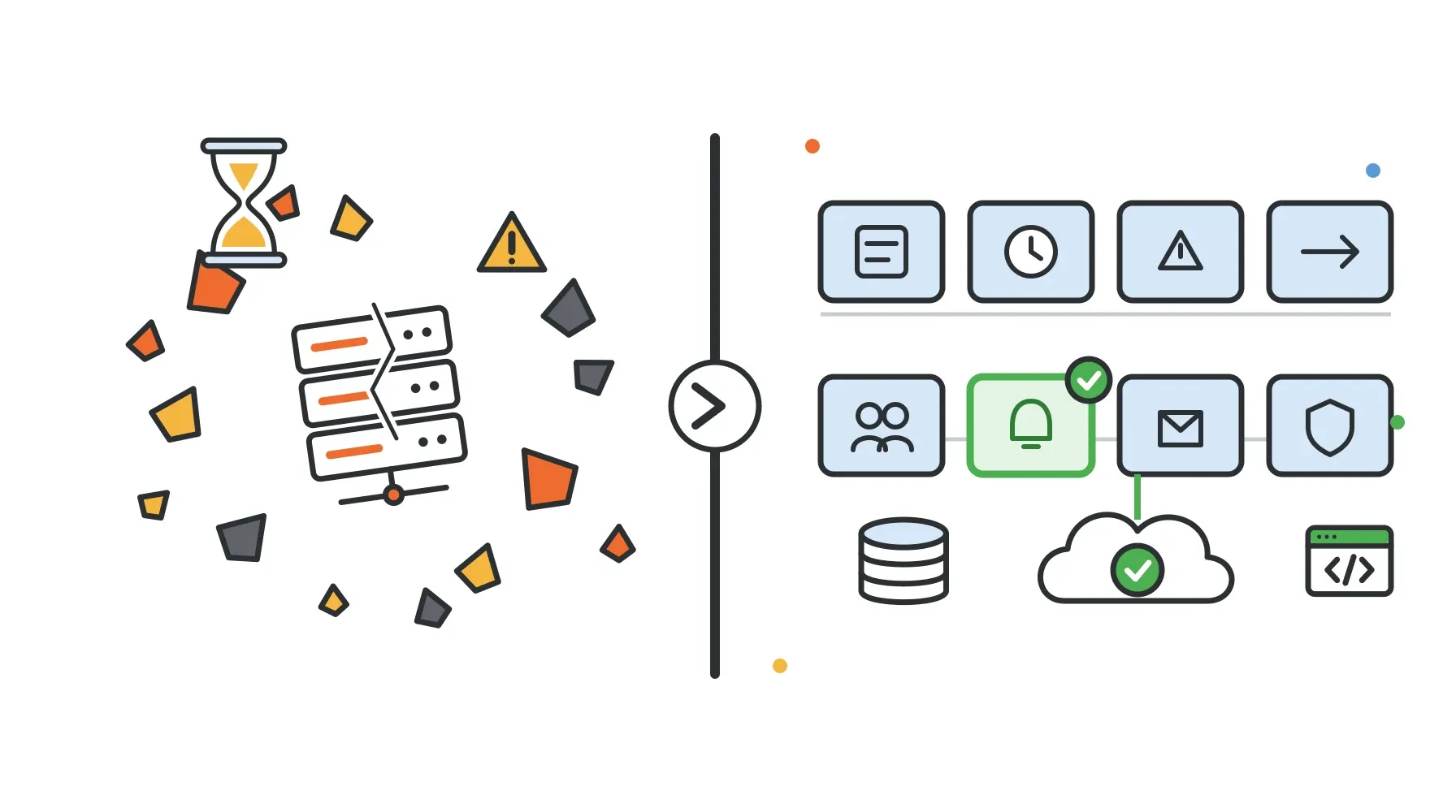
If your team still pages people through Opsgenie, you have a hard deadline.
Atlassian ended new Opsgenie sales on June 4, 2025. Support ends on April 5, 2027. On that date Atlassian says access will be shut off and any customer data that has not been migrated will be deleted. Atlassian's own destinations are Jira Service Management and Compass, and its automated migration gives customers up to 120 days of parallel access to validate the new setup. Read Atlassian's end-of-support notice.
That leaves roughly six months. Enough time to choose carefully and run a parallel test, but not enough to leave the decision until the spring.
This guide compares eight Opsgenie replacements, including our own product, Zvono. We have an obvious bias, so we will say plainly where another tool is the better fit. All prices below were checked on vendor pricing pages on October 14, 2026. Pricing changes often, so confirm before you buy.
How to choose an Opsgenie replacement
Most teams only use a fraction of Opsgenie. Before comparing vendors, list what actually wakes people up: the schedules, escalation policies, alert sources, and notification channels in use today. Then judge each candidate on these criteria.
Pricing model. Most on-call tools charge per user per month. That is fine for a three-person rotation, but it adds up when you want every engineer, manager, and occasional responder in the tool. A few vendors use flat team pricing or bundle on-call into a broader platform license. Calculate the cost for your real headcount, not the headline number.
Migration tooling. Some vendors import Opsgenie schedules and escalation policies through the Opsgenie API. Others offer assisted migration, where their team rebuilds the configuration for you. Some offer nothing, and you recreate it by hand. Note that Opsgenie's UI export is limited, so API-based import is worth more than it sounds.
Integrations. If your alerts come from a handful of tools that can send a webhook, almost any replacement will work. If you depend on dozens of native, bidirectional integrations or Opsgenie email addresses, shortlist the larger platforms.
Mobile app. Opsgenie users often rely on critical push notifications. Not every alternative has a native mobile app. If push is a hard requirement, rule out tools without one early.
Slack-first workflow. Small teams often live in Slack. Check whether you can acknowledge and resolve from Slack, and whether Slack is a real escalation step or just a notification mirror.
PTO and override handling. Every tool supports schedule overrides. Fewer help you notice that an override is needed because someone booked vacation. If coverage gaps from PTO have bitten you before, look at how each tool handles time off. We wrote more about this in our guide to PTO-aware on-call scheduling.
Opsgenie alternatives at a glance
| Tool | Best for | Pricing model | Entry price (checked Oct 14, 2026) | Opsgenie migration help |
|---|---|---|---|---|
| Jira Service Management | Teams already on Jira; least migration effort | Per agent | Free for 3 agents; Standard $21.50/agent/month | Official automated migration, up to 120 days parallel access |
| PagerDuty | Established incident platform with a deep integration catalog | Per user, plus platform tiers | Free for up to 5 users; Professional $21/user/month annual | Migration offer with professional services (eligibility limits apply) |
| incident.io | Slack-centric incident response plus on-call | Per user, on-call as add-on | Free Basic plan; on-call only $20/user/month | Self-serve import of schedules, escalation policies, and notification rules |
| Grafana Cloud IRM | Teams already using Grafana for observability | Per active user | Free for 3 active users; Pro from $19/month platform fee, then $20/active user | Open-source migrator tool |
| Rootly | Incident response teams that want on-call and incident workflows | Per user, per product | On-Call $20/user/month (no free tier listed) | Rootly-led API import |
| Spike.sh | Small teams wanting low per-user cost | Per user | Standard $7/user/month | Assisted rebuild of rotations and escalations; 50% off first year |
| Better Stack | Teams wanting uptime monitoring, status pages, and on-call together | Per responder license | Free personal tier; Responder $29/month billed yearly | None documented on pricing page |
| Zvono | Small teams (about 5 to 30) wanting flat pricing and PTO-aware scheduling | Flat per team | Free planning tier; Basic $16/month; Pro $39/month | Founder-assisted manual rebuild; no importer |
1. Jira Service Management
Who it fits: Organizations already running on Jira, and anyone who wants the lowest-effort migration.
Jira Service Management (JSM) is where Atlassian wants Opsgenie customers to go. Opsgenie's alerting and on-call features now live inside it, and Atlassian provides an in-product, automated migration for schedules, escalation policies, alerts, and much of the related configuration. Review Atlassian's migration process.
Pricing: JSM is now sold inside Atlassian's Service Collection. The Free plan covers up to 3 agents. Standard was listed at $21.50 per agent per month and Premium at $55.28 per agent per month on the default monthly view; annual billing is discounted and prices vary with team size. Alerts, on-call schedules, routing rules, and escalation policies appear in the base plan feature list, while heartbeat monitoring appears in the Premium feature list. See Atlassian Service Collection pricing.
Strengths: The official migration path, broad Atlassian and marketplace integrations, a native mobile app, and full ITSM workflows (requests, problems, changes, assets) if you want them.
Drawbacks: It is a service-management suite, not a focused on-call tool. Teams that only want paging may find it heavy. Per-agent pricing, plus bundled products you may not use, can make it expensive for a small engineering team.
2. PagerDuty
Who it fits: Teams that want the most established incident platform and need a wide integration catalog.
Pricing: The Free plan covers up to 5 users with 1 on-call schedule and 1 escalation policy. Professional is $21 per user per month billed annually, or $25 monthly. Larger platform plans are sold as annual packages (Starter is listed at $2,800 per year for 10 seats). See PagerDuty pricing.
Opsgenie migration: PagerDuty runs an Opsgenie migration offer with free professional services onboarding (up to 80 expert hours) for customers who buy its Operations Cloud Core plan. It is limited to the first 50 qualifying customers, excludes environments over 250 users, and start dates depend on services capacity. Read the offer terms.
Strengths: Mature mobile app, deep integrations, strong escalation and scheduling features, and a long operating history.
Drawbacks: Per-user pricing grows quickly, and many advanced features sit in higher tiers. The free plan is too limited for most real rotations. For a deeper look, see our Zvono vs PagerDuty comparison.
3. incident.io
Who it fits: Teams that run incidents in Slack and want on-call, incident response, and status pages in one product.
Pricing: The Basic plan is free, with 1 on-call schedule and single-team on-call. Team is $15 per user per month billed annually ($19 monthly), with on-call as a $10 per user add-on. An "on-call only" plan is $20 per user per month. See incident.io pricing.
Opsgenie migration: incident.io documents importing Opsgenie schedules and escalation policies (including in bulk) and user notification rules, with some caveats on rule criteria. You can also connect Opsgenie as an alert source and test in parallel before cutting over. Read the migration guide.
Strengths: Polished Slack workflow, self-serve importer, and strong incident management beyond paging.
Drawbacks: The full feature set costs more per user once you add on-call to a paid plan. If you only need paging, you are paying for incident tooling you may not use.
4. Grafana Cloud IRM
Who it fits: Teams already sending alerts from Grafana, Prometheus, or Loki.
Grafana Cloud IRM combines what used to be Grafana OnCall and Grafana Incident. If you were considering self-hosted Grafana OnCall OSS, note that it was archived on March 24, 2026, and development continues only in Grafana Cloud IRM. Read Grafana's announcement.
Pricing: The Free tier is limited to 3 active IRM users per month. Pro starts with a $19 monthly platform fee covering the first 3 active users, then $20 per active IRM user. See Grafana pricing.
Opsgenie migration: Grafana maintains an open-source, Docker-based migrator that imports Opsgenie users' notification rules, schedules (including rotations and overrides), escalation policies, and integrations, with some unsupported types. It has a plan mode that previews changes before migrating. Read Grafana's Opsgenie migration guide.
Strengths: Tight integration with the Grafana alerting stack, active-user pricing, and a real importer.
Drawbacks: Most compelling if you already use Grafana Cloud. The migrator is a command-line tool, so someone on the team needs to run and verify it.
5. Rootly
Who it fits: Teams that want structured incident response workflows alongside on-call.
Pricing: On-Call is $20 per user per month and Incident Response is another $20 per user per month; buying both is additive. No free tier is listed, but trials are available, and Rootly advertises discounts of up to 50% for qualifying startups. See Rootly pricing.
Opsgenie migration: Rootly performs an API-based import using read-only Opsgenie access, covering users, schedules, teams, services, routing rules, and compatible notification settings. Read Rootly's migration docs.
Strengths: Hands-on migration help, strong incident workflows, and a startup discount.
Drawbacks: Combined on-call and incident pricing is high per user for a small team, and there is no free plan to run a long evaluation.
6. Zvono
Who it fits: Engineering teams of roughly 5 to 30 people who want a focused on-call tool, flat pricing, and a schedule that knows about approved time off.
This is our product, so weigh this section accordingly.
Pricing: Zvono charges per team, not per seat. The Developer plan is free for planning (schedules and PTO) but does not include alerting. Basic is $16 per month and Pro is $39 per month, each covering up to 100 members. See Zvono pricing.
What it does: On-call schedules with daily or weekly rotations, timezone-aware, with slot overrides. Escalation policies can step across a Slack channel, Slack DM, SMS, and phone call. Alerts carry a severity from SEV0 to SEV4 and are grouped and deduplicated. Any tool that can send a webhook can raise an alert, with filter rules on the payload, and Zvono can also watch Slack channels and turn messages with matching keywords into alerts. Heartbeat (dead-man's-switch) monitoring catches cron jobs and workers that stop checking in, with a minimum 60-second interval.
What is unusual about Zvono is that PTO management is built in: requests, approvals, policies, and balances live next to the on-call schedule instead of in a separate HR tool or calendar. When a PTO request overlaps the requester's on-call shift, Zvono's "Red Sign" flags the conflict at request and approval time and can post a Slack warning, so someone arranges cover before the shift starts. If your team spans regions, our guide to on-call scheduling for distributed teams covers the timezone side.
Opsgenie migration: There is no Opsgenie importer. The founders help you rebuild your schedules and escalation policies manually and test in parallel.
Honest limits: Zvono does not reroute pages away from someone on PTO at the moment an alert fires; the warning happens when PTO is requested or approved, and you then add an override. There is no native mobile app yet, so no push notifications. There is no large native integration catalog, no native Alertmanager adapter, no Terraform provider, no status pages, and no SSO. If any of those are requirements, pick one of the other tools here.
For a detailed feature-by-feature comparison, see Zvono vs Opsgenie.
7. Spike.sh
Who it fits: Small teams that want the lowest per-user price and a vendor willing to do the migration for them.
Pricing: Standard is $7 per user per month, with 100 phone and SMS alerts per month shared across the account. Business is $14 per user per month with unlimited phone and SMS. Teams switching from Opsgenie get 50% off their first year. See Spike pricing.
Opsgenie migration: Spike offers assisted migration: you send your Opsgenie rotations and escalation policies and Spike recreates them. Monitoring integrations are reconnected by pointing your tools at Spike's webhook URL. Read Spike's Opsgenie page.
Strengths: Low entry price, a mobile app, status pages, and a hands-on migration.
Drawbacks: The Standard plan's shared phone and SMS cap can be tight for a noisy rotation, and costs still scale per user as the team grows.
8. Better Stack
Who it fits: Teams that want uptime monitoring, status pages, logs, and on-call from one vendor.
Pricing: A free tier for personal projects includes 10 monitors and heartbeats, a status page, and Slack and email alerts. A Responder license (which includes on-call scheduling, unlimited phone and SMS alerts, and iOS and Android apps) is $29 per month billed yearly, or $34 monthly. See Better Stack pricing.
Opsgenie migration: We could not find a documented Opsgenie importer. Ask Better Stack directly what they offer.
Strengths: Outbound uptime checks and status pages alongside on-call, and a mobile app.
Drawbacks: Pricing spans several products, so total cost depends on how many monitors, responders, and telemetry you need. Without an importer, you rebuild schedules yourself.
Other names you will see
SolarWinds Incident Response (formerly Squadcast). SolarWinds acquired Squadcast in 2025. Its pricing page lists Pro at $15 per user per month and Premium at $24, billed annually, with no Opsgenie migration mentioned. See SolarWinds Incident Response pricing.
Splunk On-Call (VictorOps). We found no published end-of-life date, but we could not verify current pricing. If you are leaving one product because it is being retired, ask Splunk about its roadmap before committing.
A short Opsgenie migration checklist
Whatever you choose, the process looks similar:
- Inventory what you use. Schedules, rotations, overrides, time zones, escalation policies, user contact methods, every alert source, heartbeats, and routing rules. The quiet integration nobody remembers is the one that breaks.
- Export what you must keep. Alert history and audit data will be deleted at shutdown. Download anything you need for compliance or postmortems now.
- Rebuild or import the core config. Use an importer if your vendor has one, then check every schedule by hand. Complex Opsgenie restrictions may need simplifying.
- Repoint alert sources one at a time. Keep a list and tick each one off.
- Run both systems in parallel. Test a high-severity escalation, a duplicate alert, a missed heartbeat, and a schedule override. Compare who got paged and when.
- Cut over, then decommission. Only turn off Opsgenie after a full rotation cycle with no surprises.
If you are considering Zvono, our Zvono vs Opsgenie comparison walks through what the manual rebuild involves and where Jira Service Management is the better destination.
FAQ
When does Opsgenie shut down?
Opsgenie support ends on April 5, 2027. Atlassian says access will be shut off on that date and un-migrated data will be deleted. New sales ended June 4, 2025.
What is the best Opsgenie alternative for small teams?
It depends on what you need. If you want the lowest per-user cost, look at Spike.sh. If you want a free tier with an importer, incident.io and Grafana Cloud IRM are worth testing. If you want flat team pricing and PTO-aware scheduling, and can live without a mobile app, Zvono is built for that. If you are already on Jira, JSM is usually the path of least resistance.
Can I import my Opsgenie schedules into another tool?
Some vendors support it. Jira Service Management has Atlassian's automated migration, incident.io and Grafana Cloud IRM have self-serve importers, and Rootly runs an API-based import for you. Spike and PagerDuty offer assisted migration. Zvono does not have an importer; the founders help rebuild the configuration manually.
Is Jira Service Management the same as Opsgenie?
Not exactly. Opsgenie's alerting and on-call capabilities have been moved into Jira Service Management, but JSM is a broader service-management product with different packaging and per-agent pricing. Check which plan includes the features you use, such as heartbeat monitoring.
How long does an Opsgenie migration take?
For a small team with a few schedules and webhook-based alert sources, the rebuild itself can be quick. The time goes into inventory and parallel testing. Plan for at least one full rotation cycle running both systems before you turn Opsgenie off, and leave margin before April 2027.
The bottom line
There is no single best Opsgenie replacement. Jira Service Management is the easy default for Atlassian shops. PagerDuty and incident.io are strong if you need breadth and polish. Grafana Cloud IRM fits teams already on Grafana. Spike and Better Stack are good value for small teams that want a mobile app.
Zvono is the narrower option: flat pricing for the whole team, Slack, SMS, and phone escalation, heartbeats, and on-call schedules that warn you when someone's PTO collides with their shift. If that matches how your team works, you can start on the free planning tier, build your rotation, and test it before moving a single production alert.